
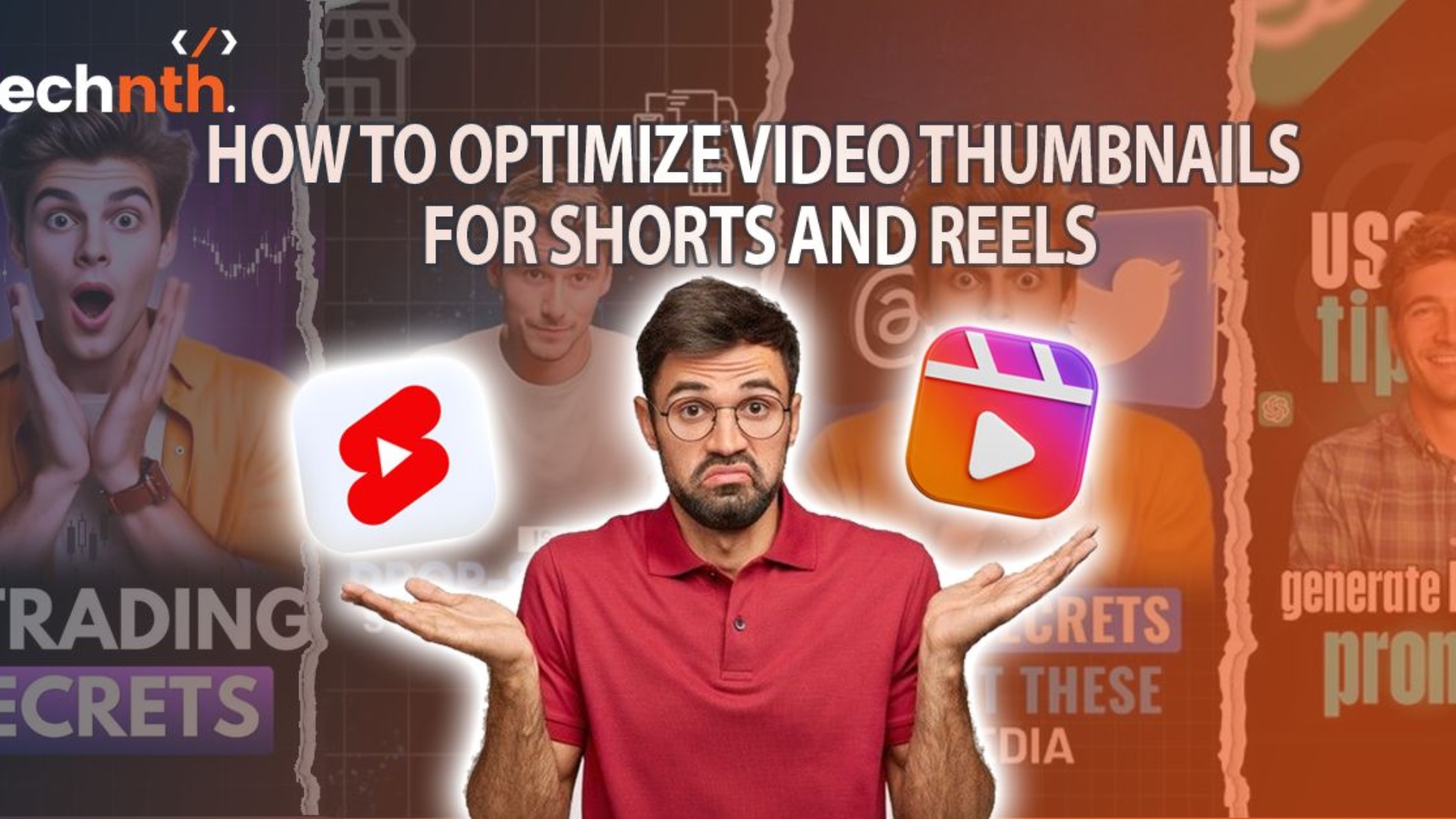
Thumbnails for shorts make all the difference now a days. Short videos now lead on every platform. People scroll fast and judge even faster. Your title is not what grabs them. Your thumbnail is what makes them stop. That first frame tells the full story. If it pops people tap without delay. If it fails you lose every time. This is why thumbnails now matter more. And this is how to get it right. So How to Optimize Video Thumbnails for Shorts and Reels? Let us explore step by step below.
What are Thumbnails for Shorts and Reels?
Thumbnails for shorts is a cover image. Shows before the video starts. It appears in search and feeds. It helps people choose what to watch. Works like a first impression. A good one boosts your video views. A bad one gets skipped fast. Thumbnails must fit vertical video size. The best size is 1080×1920 pixels. Faces work better than random shots. Clear emotions grab users more quickly. Big text helps when sound is off. Bright colors catch the scrolling eye. Avoid blurry or dark frame choices. Keep layout simple and focused always. YouTube Shorts allow custom thumbnail uploads. Instagram Reels lets you pick covers. TikTok sets them from the video. Strong thumbnails for shorts brings more reach. It is key to short video success.
Why Thumbnails for Shorts and Reels Matter?
You get one chance to grab attention. That chance lasts less than one second. Most users scroll without sound or context. They judge by image not by text. Clear thumbnails for shorts beats a great caption. A bold face beats a clever title. So thumbnails are not just a frame. They are the real hook for viewers. This applies to YouTube Shorts and Instagram Reels. It works the same on Facebook and TikTok.
Platform-Specific Thumbnail Rules You Must Know
YouTube Shorts use vertical preview frames. You can set them using a desktop. Reels allow custom covers during upload. You can pick one from the video. TikTok auto-selects a starting frame usually. But you can still adjust before posting. Always choose sharp focused cover frames. Avoid motion blur or unclear action shots. Use apps like InShot or Canva easily. They help crop and add clean titles.
Use Faces That Show Clear Emotion
People connect with people not things alone. Use your face in the thumbnail always. Make sure the face shows clear emotion. Smile laugh shock or curiosity work best. Look directly at the viewer if possible. Eye contact builds trust even in thumbnails. Keep your face centered and well-lit. Blurred or dark faces lose clicks fast. Faces beat objects 9 times out of 10. That is proven by channel stats daily.
Add Big Bold Text if Needed
Shorts and Reels are mostly watched muted. Text helps when sound does not play. Use large bold words in high contrast. Keep thumbnails for shorts short simple and punchy too. Say what the video shows in words. Use 2 to 4 words at most. Place the text away from the face. Do not block key parts of the image. Use brand colors if you have them. It builds memory in repeat viewers fast.
Bright Colors Win More Clicks
Color is the first thing people see in thumbnails for shorts. Use bright clean shades like red and yellow. Avoid dark muddy or low contrast tones. They blend into the feed and get skipped. Use solid backdrops if you film indoors. If outside shoot in morning or evening light. Make sure the colors match your message. Soft tones work for calm mood content. Loud colors help hype bold fun moments. Balance color with the face and text in thumbnails for shorts.
Keep Thumbnails for Shorts Vertical Always
Shorts and Reels are vertical by default. Your thumbnail for shorts must match that aspect too. Use 9:16 size for all covers. That means 1080×1920 pixels for best fit. Do not use horizontal shots or crops. They cut off heads and key visuals. Always preview your thumbnail before uploading. Make sure it shows right on mobile. Cropping issues ruin even strong thumbnails for shorts fast. Use mobile view in editor to test.
Avoid Too Much Going On
Simple thumbnails for shorts beat cluttered ones always. Too many elements confuse the viewer fast. Show one face and one bold idea. That is enough to make people click. Do not add ten words or extra icons. Avoid more than two key colors per frame. Each extra element lowers viewer focus fast. Keep it clean and well-spaced every time. Minimal design for thumbnails for shorts works better on small screens. So go for less not more always.
Use Branding Elements Where They Fit
Your logo builds memory with your viewers. But place it smart not in the way. Keep it small and at one corner. Use transparent PNG for a clean look. Only add it if you post often. Branding helps after people see you twice. Do not use huge banners or watermarks. Let the face and title stay the focus. Brand softly but stay visually consistent always. That builds trust without looking like ads.
Edit Thumbnails for Shorts With Tools That Give Control
You do not need pro gear today. Use mobile apps like Canva and Snapseed. Add light blur fix brightness and crop. Try presets that enhance face and color. Use export settings that keep full quality. Avoid file sizes that platforms compress too much. Preview your final thumbnail for shorts in 9:16 size. Zoom out to see how it pops. Post only if it passes the scroll test. If it blends in redo the design.
Review Performance And Adjust Often
Your first thumbnails for shorts is not the last. Review how each one performs over time. Check which frames drive the most views. Also check retention after the first tap. Thumbnails that get views but not watch time often mislead and cause drop-off issues. Adjust style every ten to fifteen videos. Try new colors or expressions to test. The best channels test and learn always. Thumbnail for shorts success comes from smart iteration. You can check out Complete Guide to Share YouTube Shorts on Instagram
Conclusion
Short videos live and die by views and thumbnails for shorts make or break the video. Views start with a single great thumbnail. A strong face a bold word some color. That combo can triple your scroll stop rate. Your thumbnail is not a side task. It is your main tool to get seen. Think before you shoot what will pop. Set aside time to craft each cover. Use your tools wisely and stay consistent. That is how channels grow from Shorts and thumbnails for shorts play a major role.
FAQs
What size should my thumbnails for shorts be?
Use 1080×1920 pixels for thumbnails for shorts and Reels.
Should I use my face in thumbnails for shorts?
Yes Faces grab more clicks than objects.
Can I change a thumbnail after posting?
On YouTube thumbnails for shorts, yes. On Instagram Reels no.
What app is best for thumbnail design?
Canva and InShot work great for mobile.
Should I add text to every thumbnail?
Only if needed Keep it short and bold.
Why are my thumbnails for shorts blurry after upload?
You may be using low-res or wrong size.
Do colors really impact clicks?
Yes Bright contrast colors boost tap rates.

Add a Comment